





July 08, 2026
The client, Diligent Corporation, operates in the financial domain and focuses on providing investment-related data for analysis and reporting.
Industry: Investment
country: USA
Why They Came to Us:
Without a proper Excel Add-in solution, businesses face the following challenges:
They required a custom Excel Add-in service to simplify this problem.





Platform

Front End
Type
Backend Technology
Database
Version Control
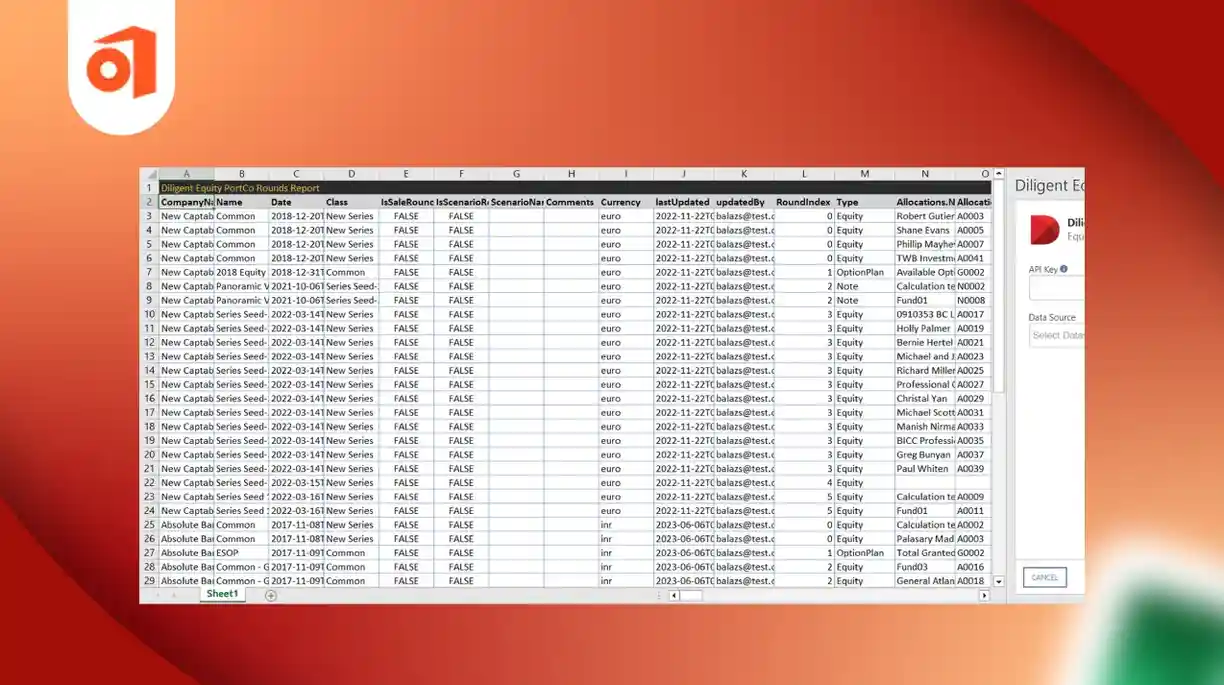
iFour Technolab USA, Inc. developed a powerful and user-friendly Excel Investment Data Add-in that helps users easily access, manage, and analyze investment company data directly within Excel. The add-in is simple to install, works smoothly across Microsoft Excel environments, and can be accessed online from anywhere.
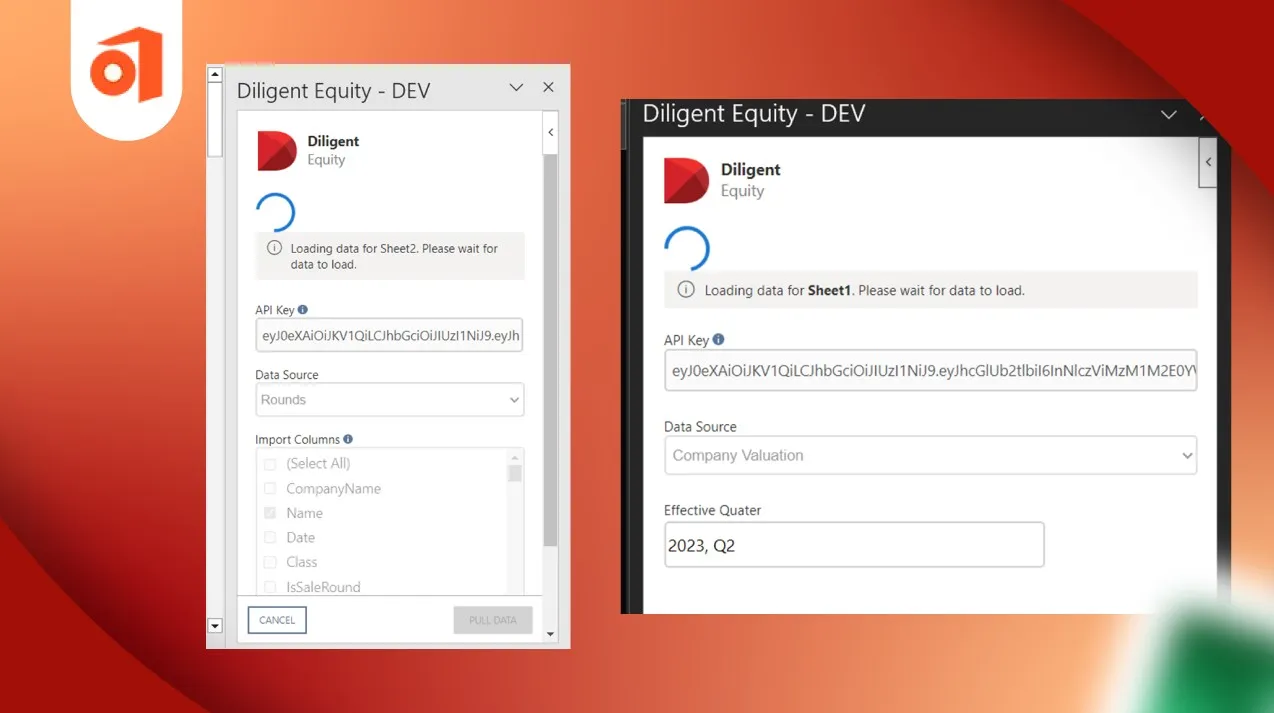
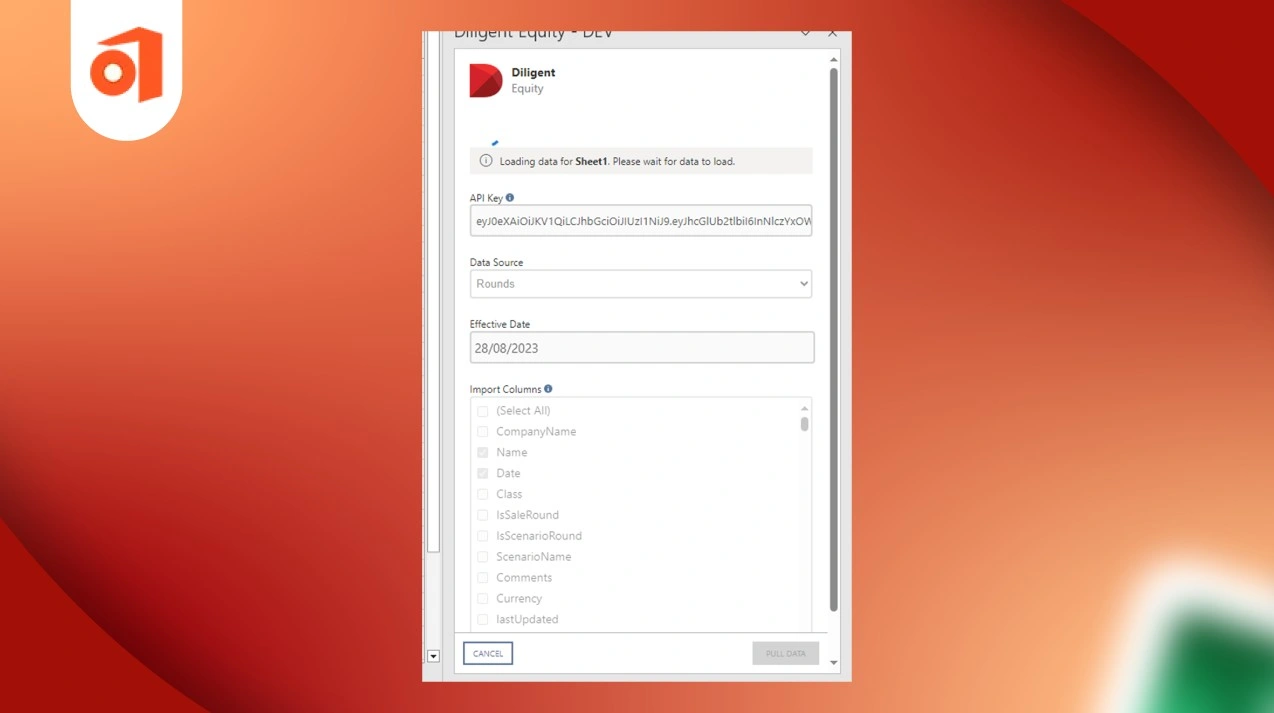
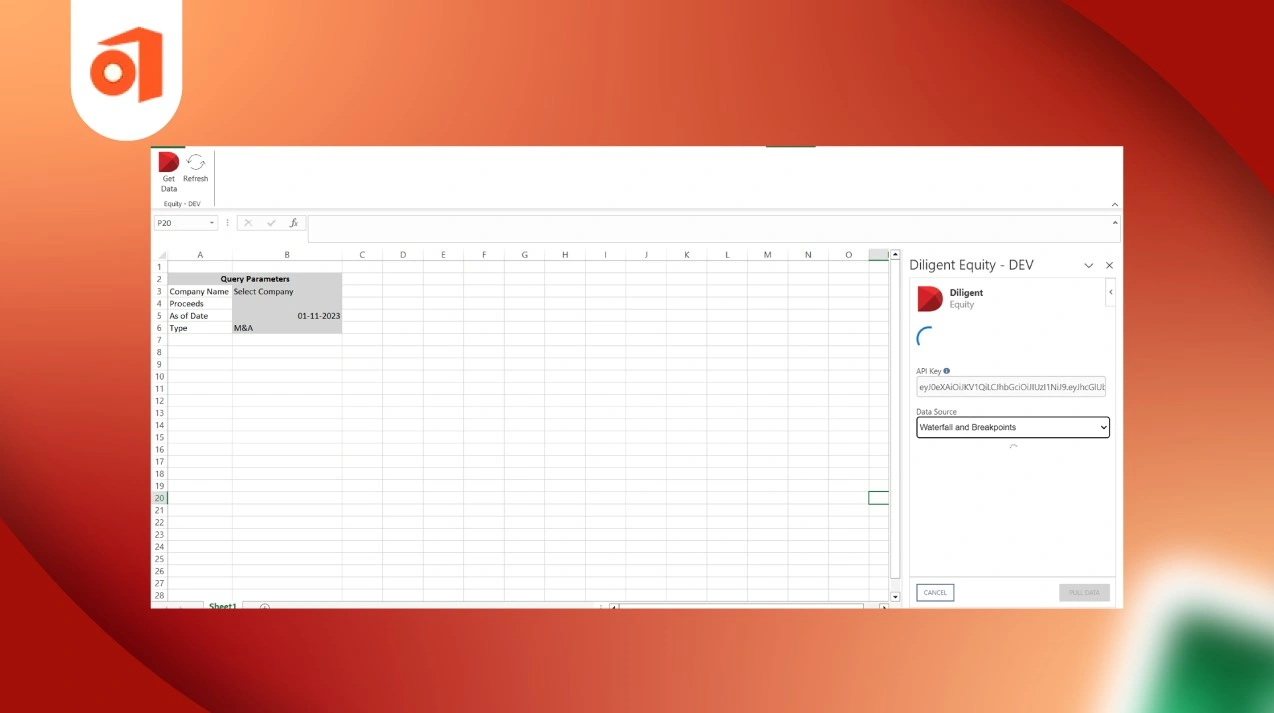
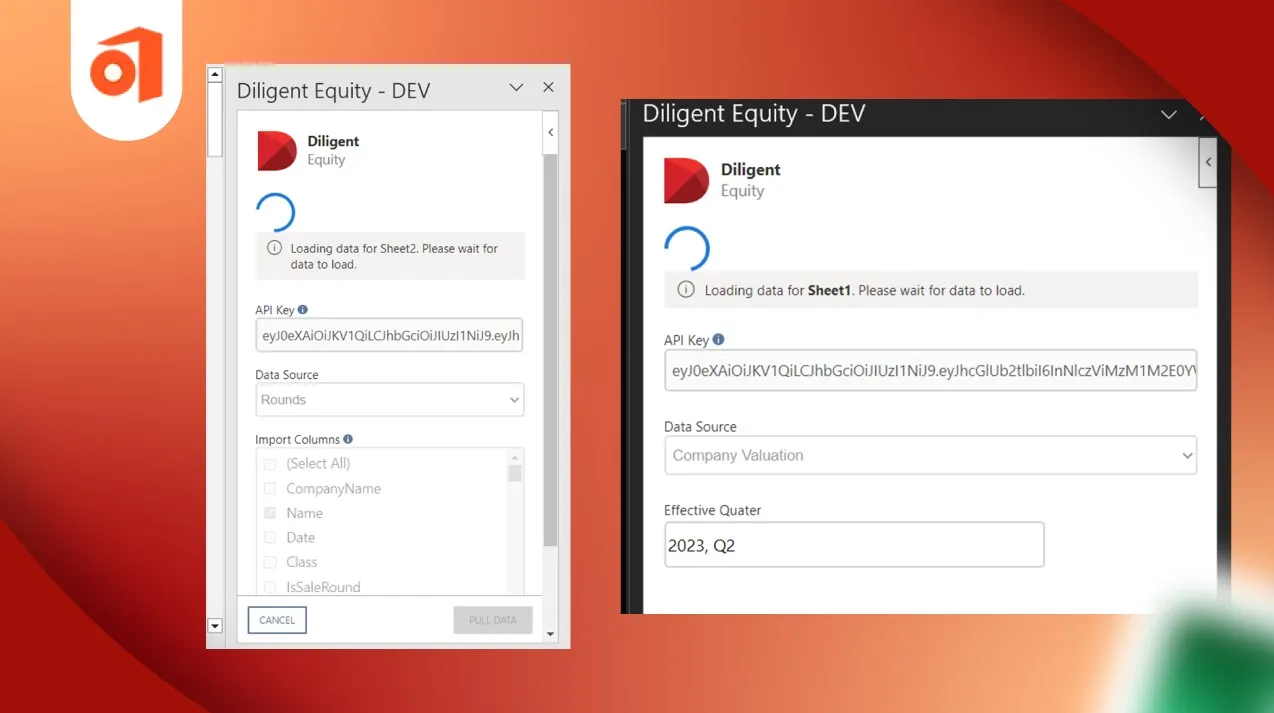
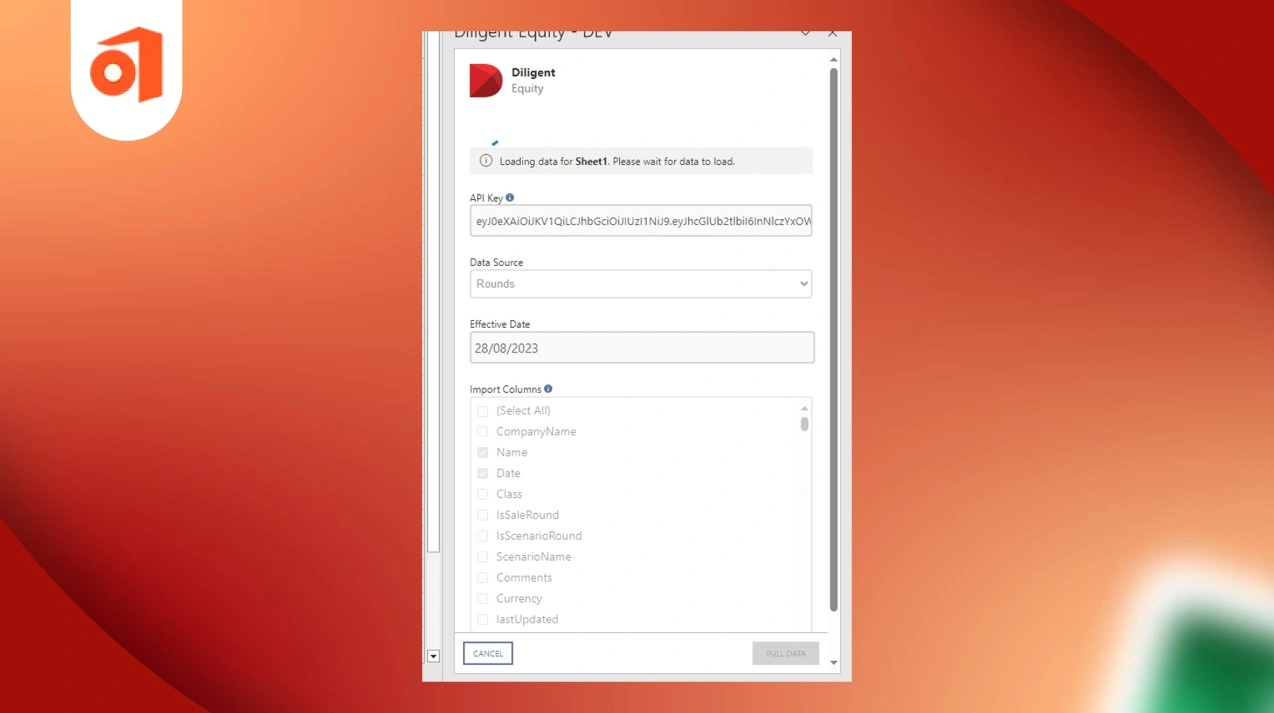
This MS Excel Add-in for Financial Analysis MS Excel Add-in for Financial Analysis was designed to simplify data handling and improve the overall user experience. It allows users to select different data sources, load information into Excel sheets, and analyze large datasets more efficiently through a clean and easy-to-use interface.
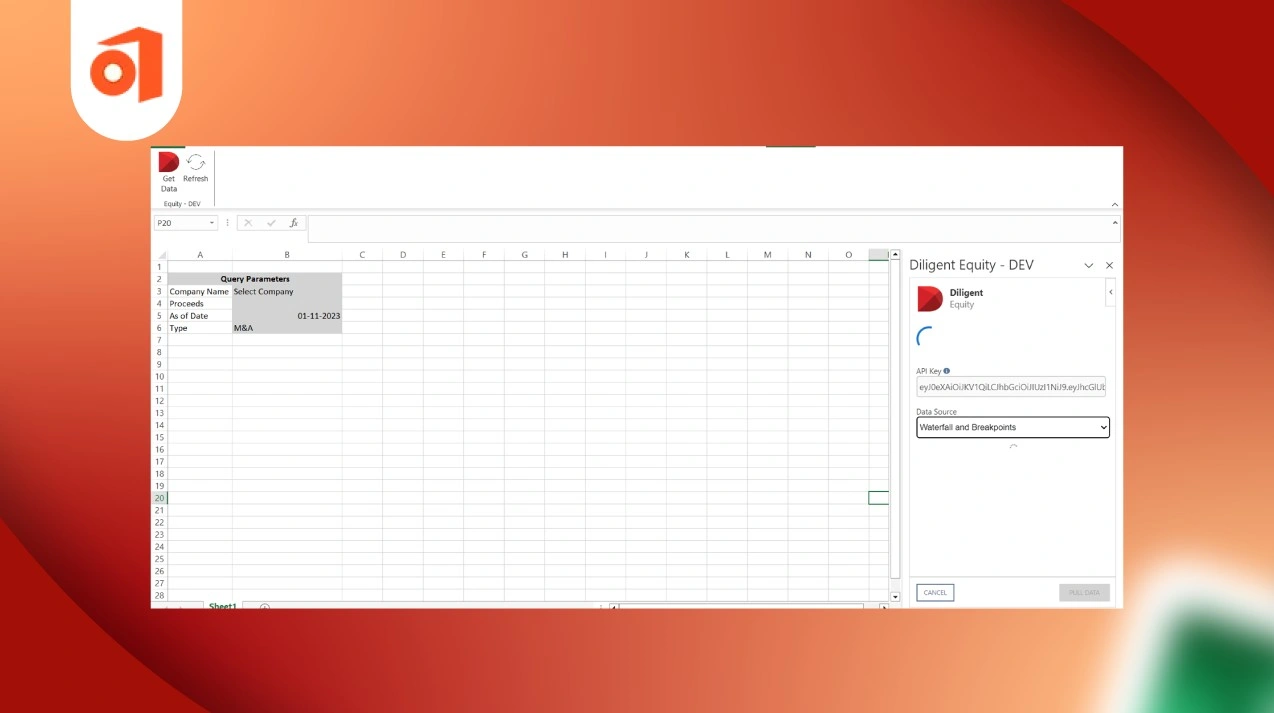
The solution also supports smooth Investment Data Management in Excel by providing refresh functionality, enabling users to retrieve previously selected data without repeating the entire process.
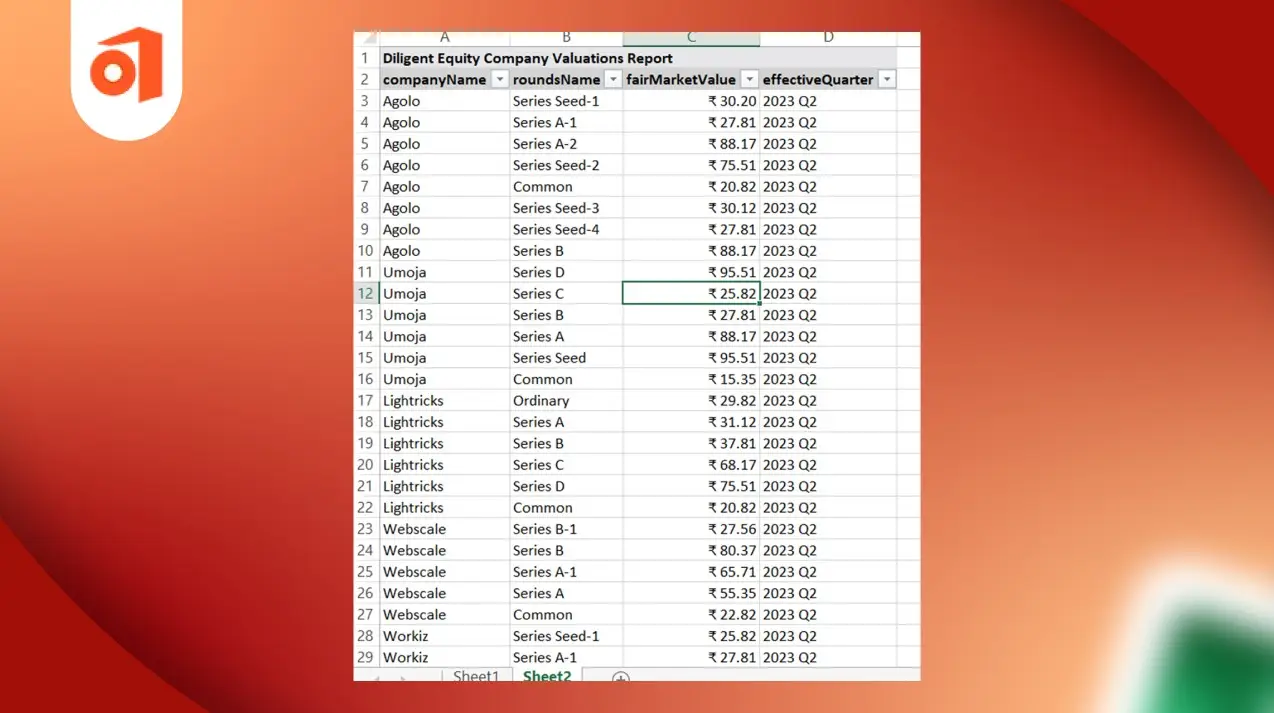
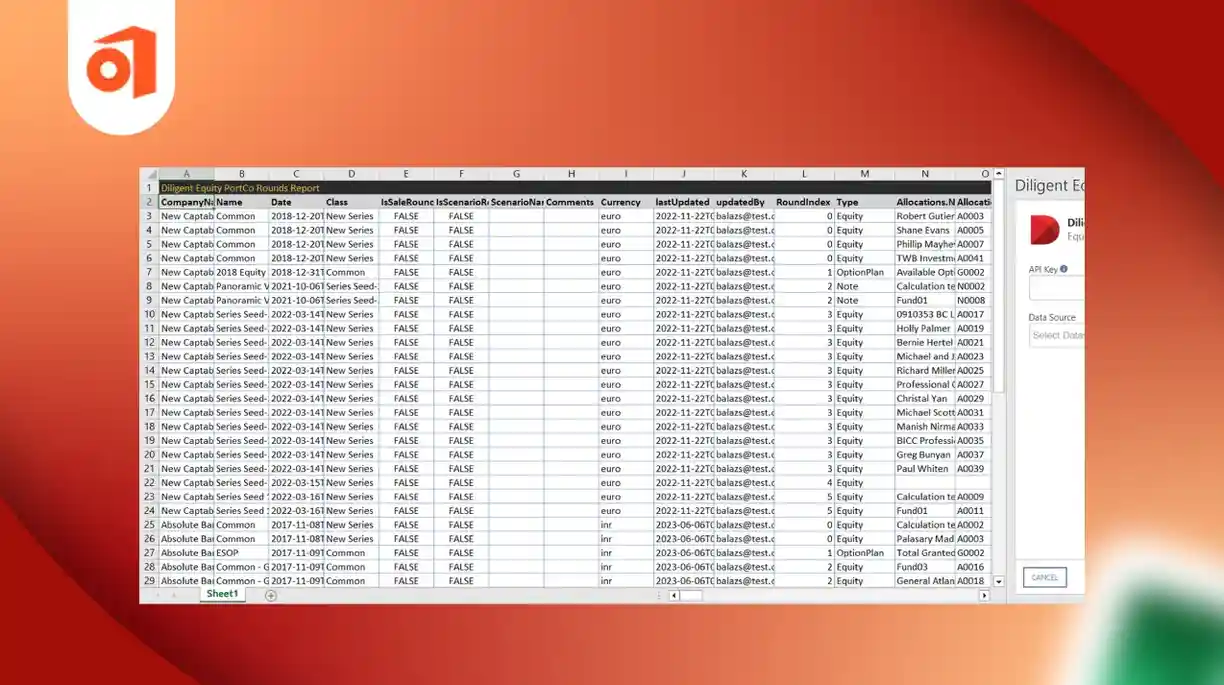
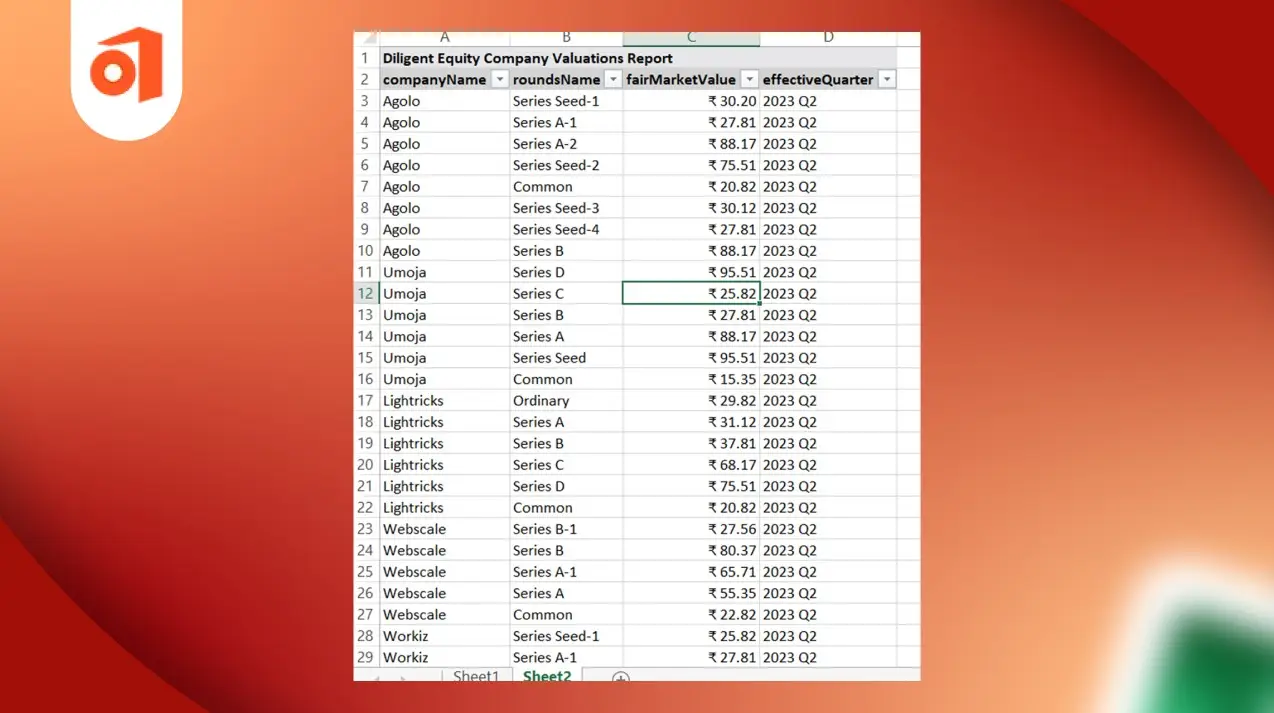
Users can download and print data into Excel sheets by selecting different types of data sources according to their business needs. This makes financial analysis faster and more organized.
The system provides an option to stop data insertion while printing information into Excel sheets, giving users better control during data processing.
Users can easily filter and view records based on date and specific query parameters to quickly access the required information.
If users reopen an existing Excel sheet, they can retrieve previously generated tables and selected properties instantly without re-entering the data. This saves time and improves productivity.
The add-in offers a simple and intuitive interface that helps users navigate data sources, generate reports, and analyze information with ease.
This Custom Excel Add-in for Investment Companies helps businesses improve financial reporting, streamline workflows, and make better investment decisions.
The Excel Add-in made financial data management easier and more efficient. Users can now quickly access, filter, and download investment data directly in Excel. This helped improve analysis speed, increase accuracy, and boost overall productivity.
















Let's unveil our unique software development approach -











 Healthcare
 Finance
  Legal
Legal  Aviation
  Hospitality
 Environment
 Logistics
  Education
  Fleet
Fleet  Construction
  Retail
  Contact us
 Our Office 365 accessible. Join hands with us to unlock a world of possibilities and shape







Copyright 2026 iFour Technolab Pvt. Ltd. all the rights reserved.
 Say Hello
 Inquire