







October 16, 2026
A doctor writes a patient report, an administrator updates records, and a care team communicates through email. These are routine tasks, but switching between different applications can slow the work down.
A 2021 study of 47 clinicians found that professionals switch between tasks or systems about 1.4 times every minute. Nearly half of these switches were related to viewing or entering data. This means more amount of time is spent on systems shuffling rather than patient care.
Office add-ins emerge as a solution here. They offer medical professionals a practical way to connect Microsoft Office tools with core healthcare applications, reducing the need to switch between platforms.
In this blog, we'll explore how these integrations work, their real-world healthcare use cases, and challenges worth keeping in mind.
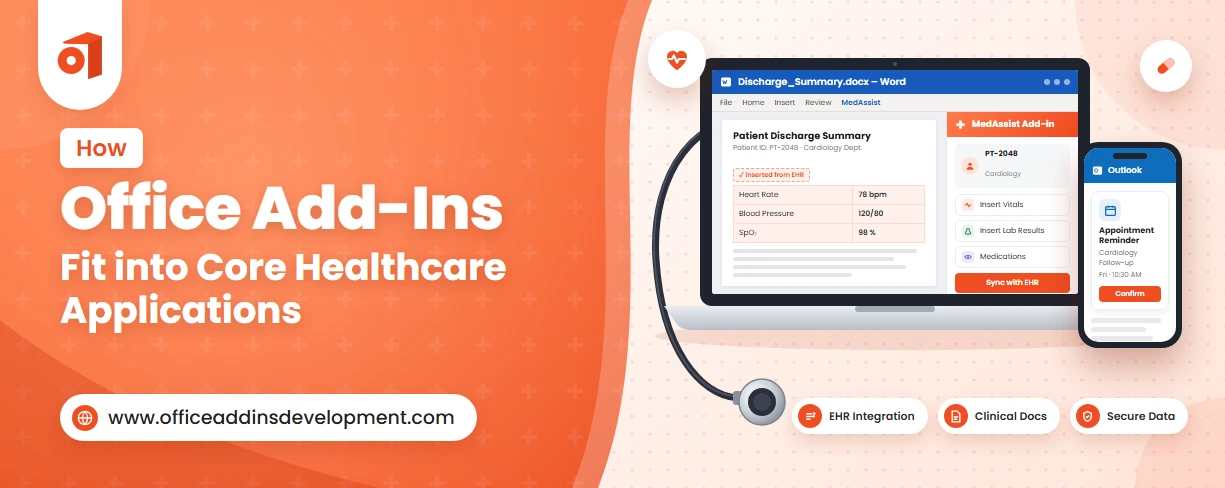
How Office Add-Ins Integrate with Core Healthcare Applications
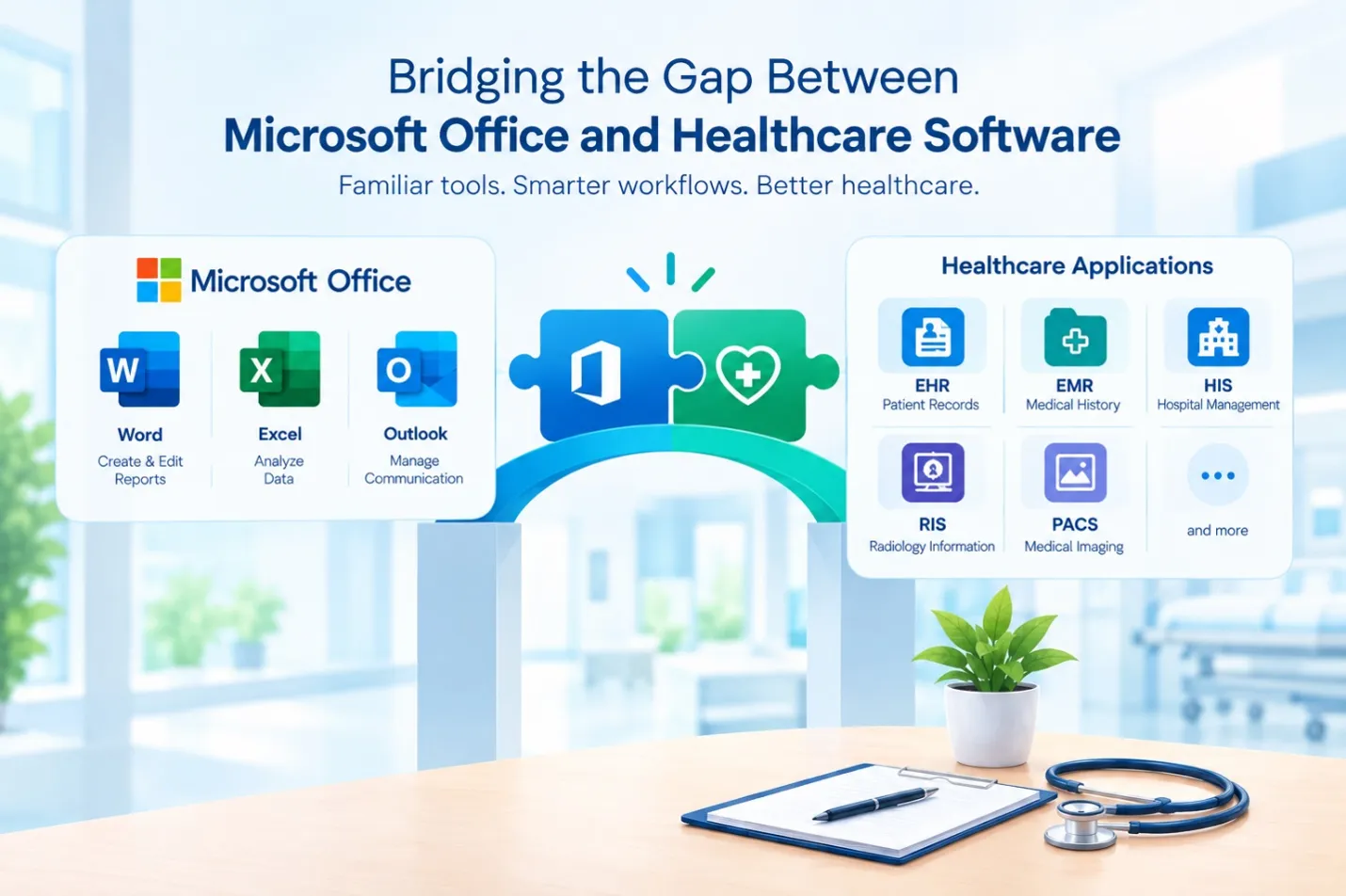
To bridge gaps in communication, security, data flow, and clinical efficiency, healthcare organizations require Microsoft tools, and Office add-ins are the best medium that brings familiar Microsoft entities together with essential medical platforms. Let's see how this works:
Electronic Health Records (EHR) and Electronic Medical Records (EMR)
Electronic Health Records (EHR) and Electronic Medical Records (EMR) systems are used to store medical data electronically.
The Word add-in allows doctors to speed up the documentation process by directly extracting information from EHR or EMR. This ensures accuracy as well as reduces unnecessary burnout.
Excel helps to analyze and visualize healthcare data by automatically organizing it into the required form.
Take your business to new heights with an esteemed Outlook Add-in development company.
Hospital Information Systems (HIS)
Hospital Information System (HIS) is responsible for including patient registration, scheduling, billing, and other administrative support tasks.
Office add-ins can integrate Word and Excel with the existing HIS platform so that documentation and reporting can be carried out easily. Due to this, repetitive data entry is reduced as Excel retrieves data straight from the HIS.
On the other hand, Word provides multiple templates for generating standardized medical documentation.
Radiology Information Systems (RIS)
Radiology Information Systems (RIS) perform tasks such as patient registration, appointment scheduling, workload distribution, billing, imaging worklist management, and report distribution.
Office add-ins can bring Word and Excel capabilities into the RIS so that experts can generate structured radiology reports and can analyze images with high accuracy.
Healthcare Billing Systems
Healthcare billing systems manage patient invoices, payments, insurance claims, outstanding balances, and financial records. Office Add-ins can connect Microsoft Excel and Word with supported billing systems to simplify financial reporting and documentation.
By integrating Office applications with healthcare billing systems, organizations can reduce manual data entry, streamline financial reporting, and minimize the need to switch between applications.
Access to sensitive financial and patient information should be controlled through appropriate authentication and authorization mechanisms.
Create seamless planning experiences with custom MS Planner add-in development.
Practice Management Systems
A Practice Management System (PMS) helps healthcare practices manage daily administrative activities, including appointment scheduling, patient registration, staff coordination, and billing. Office Add-ins can connect Microsoft Word, Excel, and Outlook with supported practice management systems to simplify these tasks.
By integrating Office applications with a practice management system, healthcare organizations can reduce repetitive data entry, improve administrative efficiency, and minimize the need to switch between applications.
The available functionality depends on the system's API support, user permissions, and integration requirements.
Practical Use Cases of Office Add-Ins in Healthcare
Office add-ins can do more than connect different applications; they can simplify everyday healthcare tasks. Let's explore where they make a practical difference.
Word Add-ins for Clinical Documentation and Medical Reports
Word Add-ins can integrate Microsoft Word with supported EHR, EMR, or RIS platforms to simplify this process.
Physicians can use a custom Word Add-in to populate a standardized reporting template with authorized patient details and examination information retrieved from the connected system. They can then review the findings, edit the report, and finalize the document.
This approach helps healthcare professionals reduce repetitive typing, maintain consistent documentation formats, and minimize switching between applications.
Excel Add-ins for Healthcare Data Analysis and Operational Reporting
Excel Add-ins can connect Microsoft Excel with supported EHR, HIS, billing, or practice management systems to retrieve authorized data for analysis and reporting.
For example, a hospital administrator can use an Excel Add-in to collect monthly patient visit counts, analyze appointment cancellations, track outstanding payments, and prepare reports using tables, formulas, and charts.
Similarly, healthcare managers can use these reports to identify trends in patient volumes, monitor resource utilization, and evaluate operational performance.
Instead of manually exporting and copying information between systems, staff can work with relevant data directly in Excel when the integration supports it.
Outlook Add-ins for Appointment Communication and Referral Coordination
Outlook Add-ins can connect Microsoft Outlook with supported EHR, EMR, or practice management systems to simplify these workflows.
An appointment coordinator can use a custom Outlook Add-in to access authorized appointment details and prepare reminders or follow-up emails without repeatedly switching to the scheduling system.
Similarly, when a doctor refers a patient to a specialist, an Outlook Add-in can help prepare referral emails using approved templates and relevant information retrieved from the connected healthcare system. This can help staff organize referral communication and reduce manual data entry.
Expand your business potential with a top-notch Gmail Add-in development company.
Custom Office Add-ins for Automating Repetitive Healthcare Tasks
Custom Office Add-ins can automate selected tasks by connecting Microsoft Word, Excel, and Outlook with existing healthcare systems through supported APIs.
For example, a hospital administrator can use a custom Excel Add-in to retrieve authorized data from a hospital management system and generate a daily patient-volume report without manually collecting information from different sources.
Similarly, a Word Add-in can populate predefined medical document templates with relevant patient details, while an Outlook Add-in can help prepare appointment reminders using approved templates and scheduling information.
Challenges to Consider When Integrating Office Add-Ins
While Office add-ins simplify healthcare workflow, successful integration requires careful planning. Let's look at the potential roadblocks.
-
Compatibility with existing healthcare systems: Healthcare organizations use multiple software systems, and integrating Microsoft Office add-ins with them can be tough, as each system has different technical requirements, data formats, APIs, and authentication strategies.
-
API availability and data synchronization: Office add-ins often rely on APIs to exchange information, but not every healthcare system provides APIs, and some might restrict access to specific data. This can act as a hurdle in connecting Microsoft applications with existing healthcare platforms.
-
Patient data privacy and security: Healthcare systems handle sensitive patient information, so when Office add-ins integrate with HIS, RIS, EHR, or EMR, the risk of data breaches, ransomware, operational lockouts, or double extortion increases.
-
User permissions and access control: Healthcare organizations have professionals with different roles, and each role has limited access rights. Due to this, Office add-ins must ensure that these rights are strictly enforced when the data from any healthcare system is involved.
-
Integration costs, testing, and ongoing maintenance: Only successful development is not going to make the thing work. Testing, deployment, and post-delivery maintenance play an equal role. So, when all these factors are evaluated together, it might increase the overall budget and complexity of the project.
Unlock your business efficacy with an esteemed Excel Add-in development company.
Transform Healthcare Workflows with Custom Office Add-In Development
Healthcare professionals rely on multiple applications to manage patient records, prepare medical reports, analyze operational data, and coordinate daily activities. Switching between these systems can add unnecessary steps to routine workflows.
Custom Microsoft Office Add-ins can help address these challenges by connecting applications such as Word, Excel, and Outlook with existing healthcare systems, including EHR, EMR, RIS, and hospital management software. From generating standardized medical documents to simplifying data analysis and administrative reporting, these integrations can reduce repetitive work and improve workflow efficiency.
However, every healthcare organization has different operational needs, integration requirements, and data security considerations. Custom Office Add-in development helps businesses build solutions tailored to their existing systems and workflows.
FAQs
1. What are Office Add-ins in healthcare?
Office Add-ins in healthcare are custom extensions that enhance Microsoft Office applications such as Word, Excel, and Outlook by connecting them with healthcare software, including Electronic Health Records (EHR), Electronic Medical Records (EMR), Hospital Information Systems (HIS), and Radiology Information Systems (RIS).
2. Can Office Add-ins integrate with EHR and EMR systems?
Yes, Microsoft Office Add-ins can integrate with Electronic Health Record (EHR) and Electronic Medical Record (EMR) systems through supported APIs, web services, and secure integration mechanisms.
3. How do Office Add-ins improve healthcare workflows?
Office Add-ins improve healthcare workflows by connecting productivity apps directly to clinical and business systems, reducing manual tasks, and protecting patient data.
4. Are Microsoft Office Add-ins secure for healthcare data?
Yes, Microsoft Office Add-ins can be secure for healthcare data, provided they are developed and configured with appropriate security controls. However, security depends on how the add-in accesses, processes, and transfers sensitive patient information.
5. Can custom Office Add-ins be developed for hospital systems?
Yes, custom Office Add-ins can be developed for hospital systems to connect Microsoft Word, Excel, and Outlook with existing healthcare applications, such as Hospital Information Systems (HIS), Electronic Health Records (EHR), Electronic Medical Records (EMR), and Radiology Information Systems (RIS).

Kapil Panchal
A passionate Technical writer and an SEO freak working as a Content Development Manager at iFour Technolab, USA. With extensive experience in IT, Services, and Product sectors, I relish writing about technology and love sharing exceptional insights on various platforms. I believe in constant learning and am passionate about being better every day.


 How Office Add-Ins Fit into Core Healthcare Applications
October 16, 2026
 Best AI & Automation Excel Add-ins Worth Using In Business
October 13, 2026
 Benefits of Using Microsoft Graph with Outlook Add-ins
October 08, 2026
 12 Red Flags When Hiring an Office Add-in Development Company
October 05, 2026





 Say Hello
 Inquire